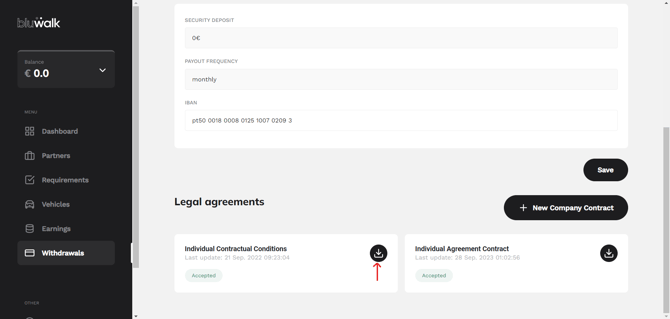
1. After logging into your account, select "Billing" from the menu on the left:
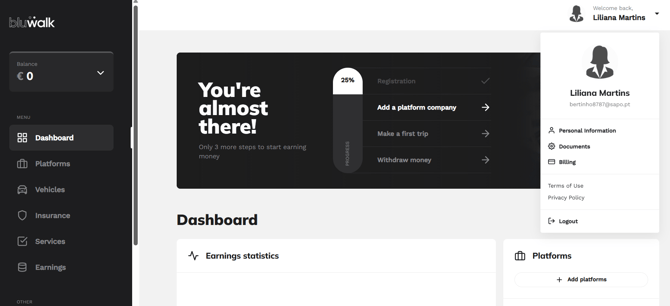
2. Click on "Payment Accounts":
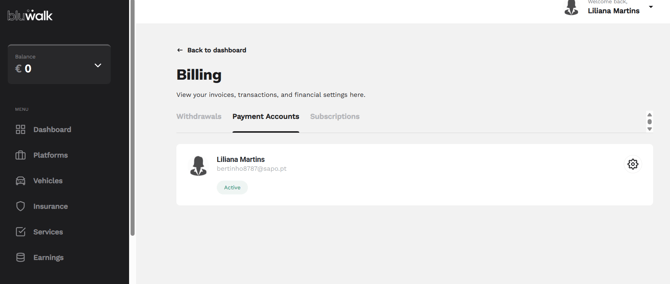
3. Press the button with the gear wheel.
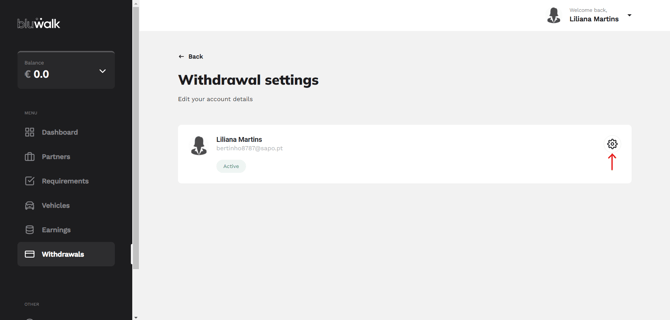
4. At the bottom of the page, you will find the service agreement. You should download it and keep it on your mobile phone or print a copy.