
-
Access our website at: www.bluwalk.com
-
Select "Sign In".

-
Choose the option "Forgot Password?".
.webp?width=655&height=310&name=Captura%20de%20ecr%C3%A3%202024-04-19%20154420-png%20(2).webp)
-
Enter your email address and click on "Recover Password".
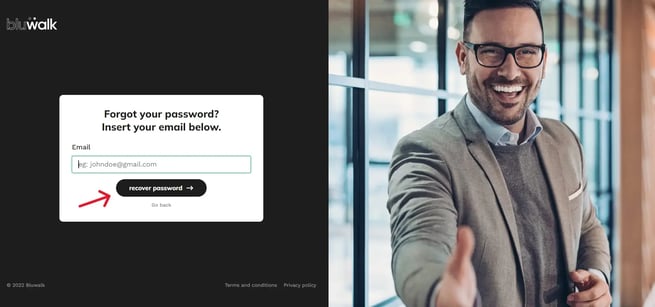
After this step, you will receive an email from us with the link to set your new password. If you do not find the email in your main inbox, please also check your spam folder.